
Four decisions. You make them once.
This is the real panel, not a mockup. Yes, there really is a checkbox called "drop crew talk".
Tell it what matters, in your own words.
Type what you would tell an editor. "Never punch in on the guest." It listens, on every cut. And it remembers next time.

Pacing you can feel, not a preset you have to trust.
Four sliders. Breathing room, the longest pause you allow, punch-ins per minute, a target length. Move one, run it, listen.
Multicam stays in sync. The mic decides the cut.
The mic decides where the cuts go. Every track you tick gets cut on the same frames. So the angles never drift.
The options an editor would ask about.
Work on a copy of the sequence, so nothing breaks. Snap cuts to shot changes. Crossfade every cut. Match loudness for Instagram. And if you tick "watch the video", it catches the hooks the words miss: a look, a door closing.

One episode, before and after.
38 minutes of two people talking. Two cameras, one lav mic, default settings, one instruction: open on the strongest line.
It replaces the first pass. Not you.
It does the first hour. The boring one. The rest is still yours.
 A normal sequenceReal clips, real cuts, a caption track you can drag around. No other app, no strange file.
 Your project, untouchedIt edits a copy. Your original, your bins, your presets: untouched.
 Review before anything shipsNothing exports by itself. You watch. You fix the two cuts you disagree with. You export.
 Your footage stays on your machineIt reads the words. Your footage is not uploaded to be edited somewhere else.
 Honest about AdobeAn independent panel on Adobe's extension platform. Not affiliated with Adobe.
Spoken word, on a schedule.
Creators who publish weekly
You record Tuesday. The rough cut is done before lunch. The afternoon goes on the parts that make it yours.
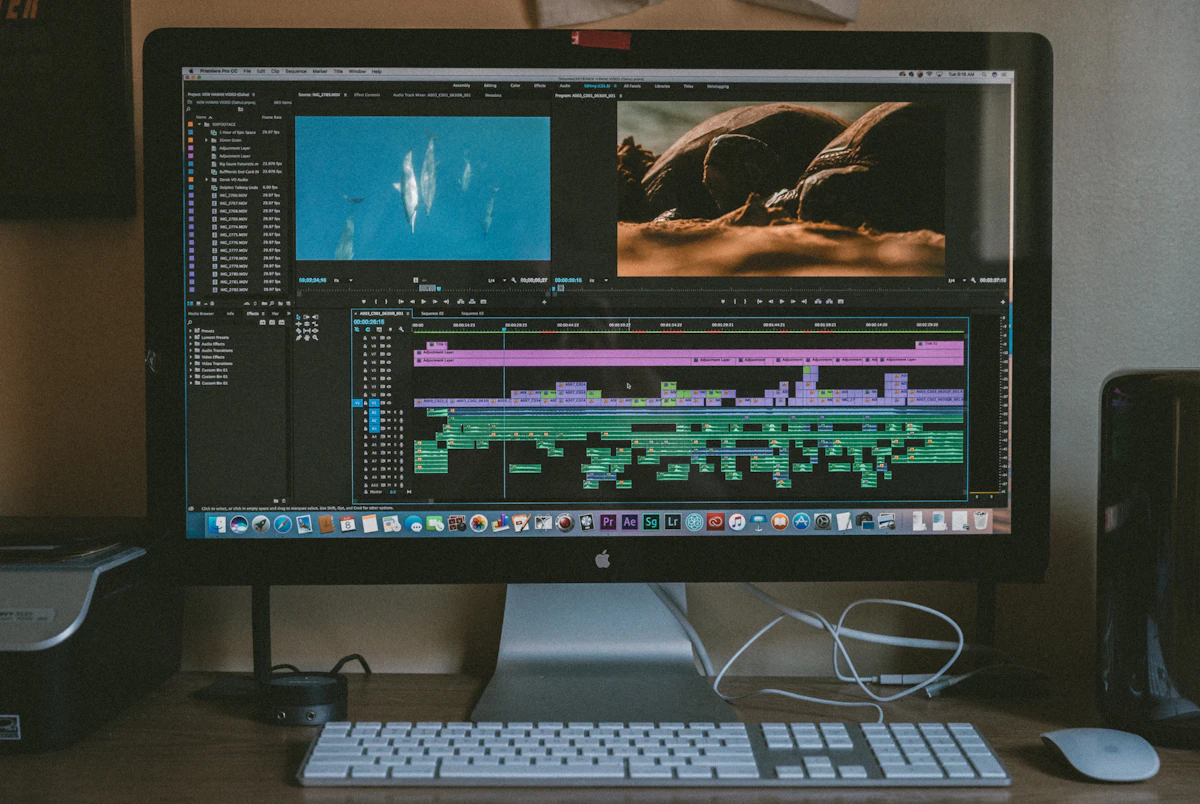
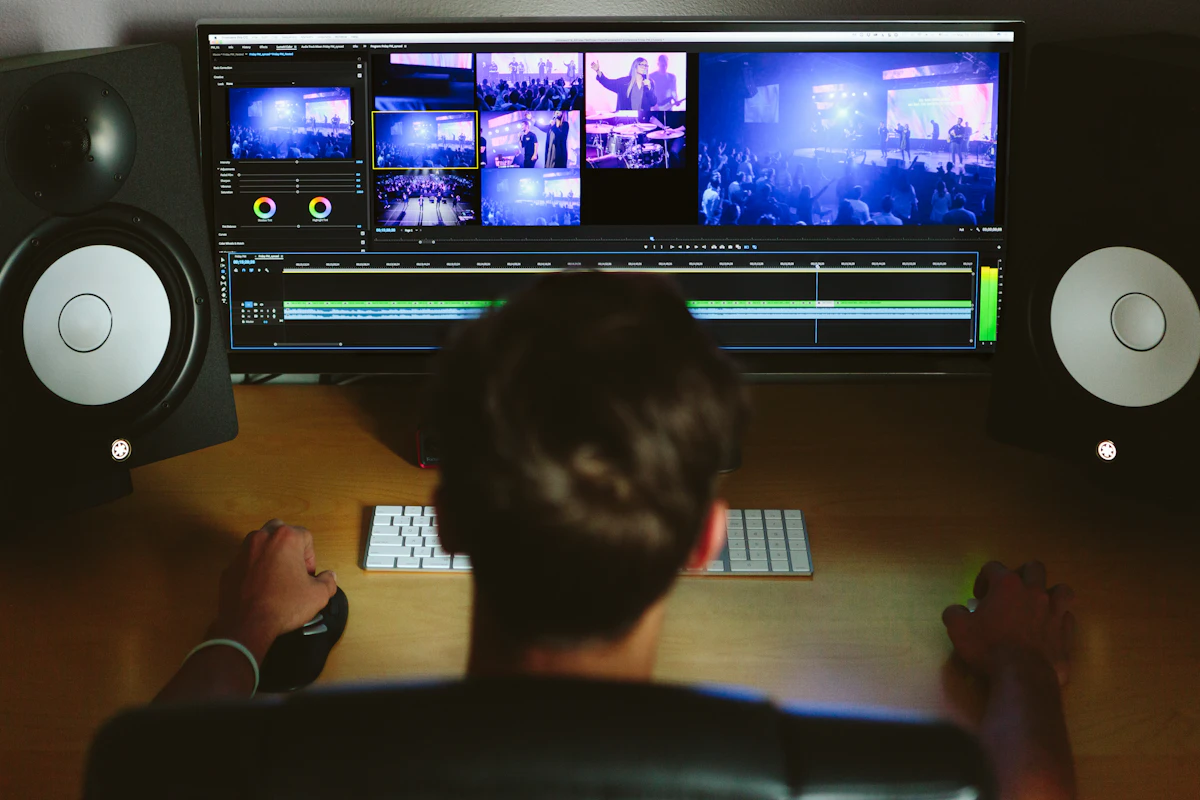
Podcast studios
Multicam with one mic. Cut once, angles in sync, captions built, loudness ready for the clips.
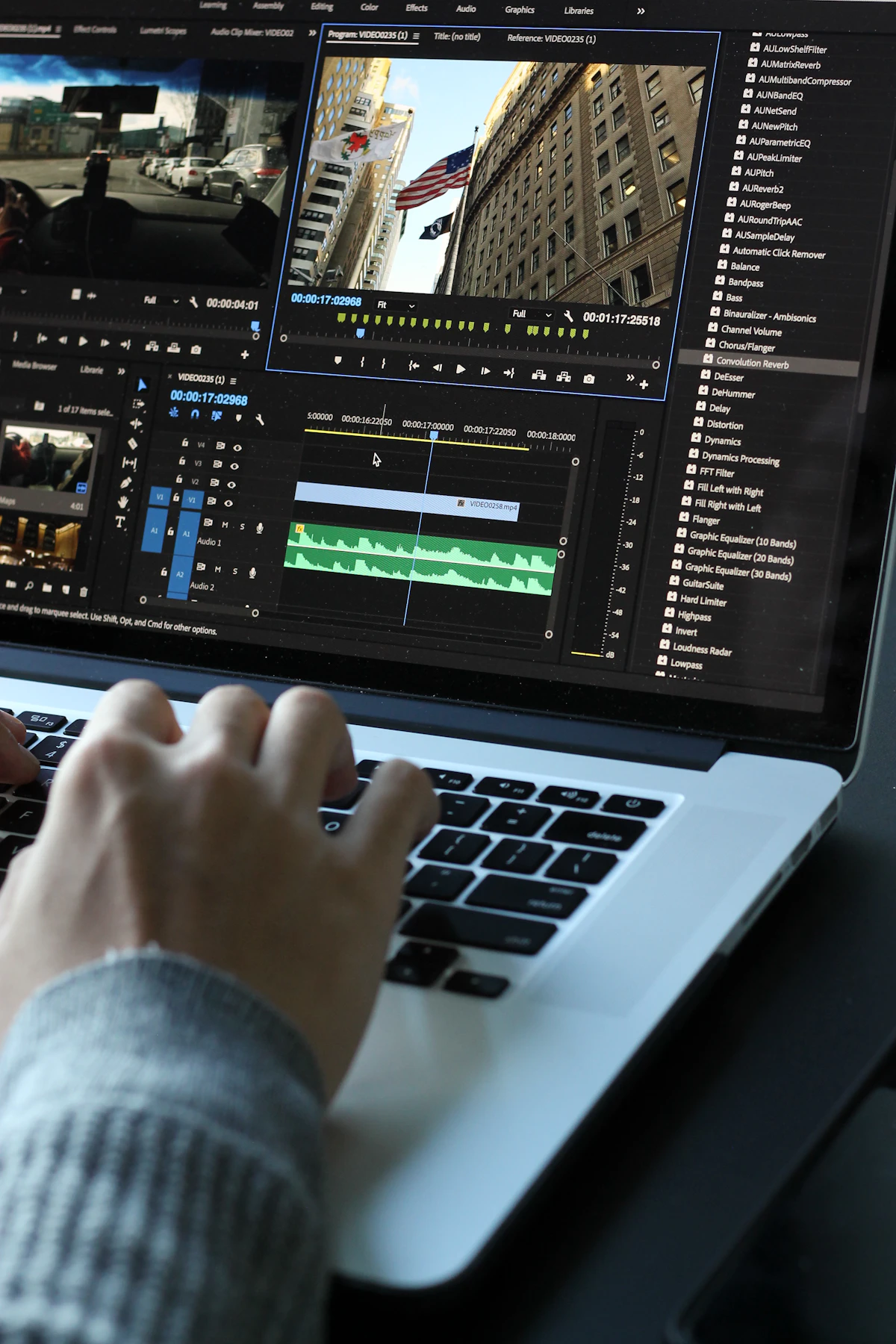
Teams cutting client work
Shared presets, so every editor's first pass matches. Batch the week. Review cuts, not silences.
Three plans. Every one starts free.
No card to start. Run real edits on the trial and keep them.

Starter
For solo creators publishing weekly.
- Up to 10 edits per month
- Auto cut and captions
- 1080p exports
- Email support
Creator
For creators shipping on a schedule.
- Unlimited edits
- Every automation, including B-roll
- 4K exports
- Custom instructions per project
- Priority support
Studio
For teams cutting client work daily.
- Everything in Creator
- 5 seats included
- Shared presets and brand kits
- Batch processing
- Onboarding session
Most people start on Creator, because the instruction box is where the time goes. Starter is enough if you publish once a week. Cancel any time. USD, monthly.
The six things people ask before they install.
- Does it work inside Premiere Pro?
- Yes. It is a panel, it lives inside Premiere, and it edits your sequence on your timeline. No other app.
- What types of videos can it edit?
- Anything with people talking: interviews, podcasts, tutorials, ads. One camera or five. Not music videos, not silent b-roll.
- Can I review the edit before exporting?
- Always. It is a normal sequence. Nothing goes out until you export it yourself.
- Does it replace my existing workflow?
- No. It replaces the first pass, the slow part. Your project, your effects, your shortcuts stay where they are.
- Is there a free trial?
- Yes. Every plan, no card. Run full edits during the trial and keep what you made.
- Windows and macOS?
- Both. Windows and Mac, on the current Premiere release.
Your next rough cut is one click away.
Install it, open a sequence, write one line, press the button. Free to try. No card.